Intelligent data protection
CoreCP starts the latest installed Creo your baseline allows. It checks the folder, and when the data is legacy it offers the valid choices before anything is converted.
By automating tedious file maintenance and actively managing configuration and user environment settings, CoreCP removes the administrative overhead of Creo Parametric so you can focus entirely on engineering. It ensures your working environment remains stable, clean, and perfectly configured every time you launch Creo Parametric.

CoreCP starts the latest installed Creo your baseline allows. It checks the folder, and when the data is legacy it offers the valid choices before anything is converted.
A different Creo version or Windchill login gets its own Special Project folder, and your everyday setup stays as it is.
Launch Creo and run folder maintenance from Windows File Explorer with the right-click menu.
Old model versions and temporary clutter go into a quarantine bin instead of being deleted on the spot.
Swept files stay in quarantine for an adjustable number of days, and you can restore them.
Before touching a single file, the script reads global rules CoreCP.ini and then layers on any project-specific overrides CoreSP.ini. This allows for different rules for different projects.
One right-click confirms your settings, sweeps the folder, and starts the latest Creo your baseline allows. If there is legacy data you get to choose before any models are converted.
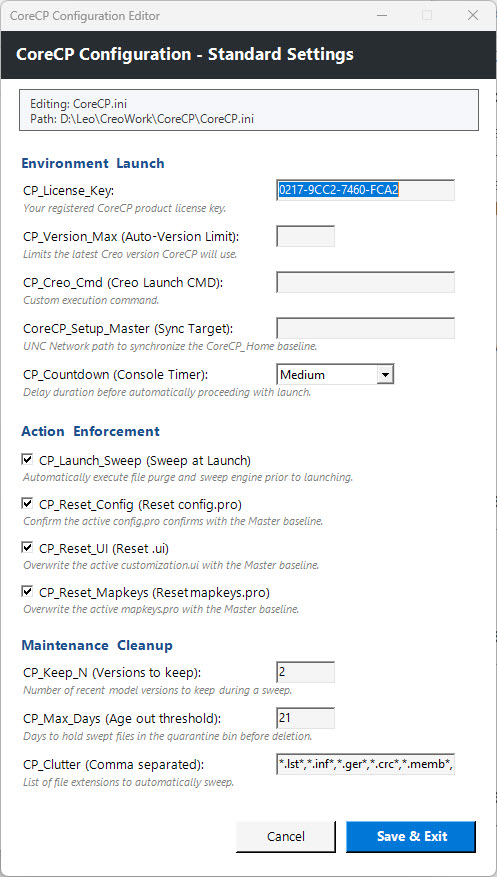
1 · Confirm settings
CoreCP applies your configuration Baseline, then, if present honors the local config.pro when that job or project needs its own setting variances.
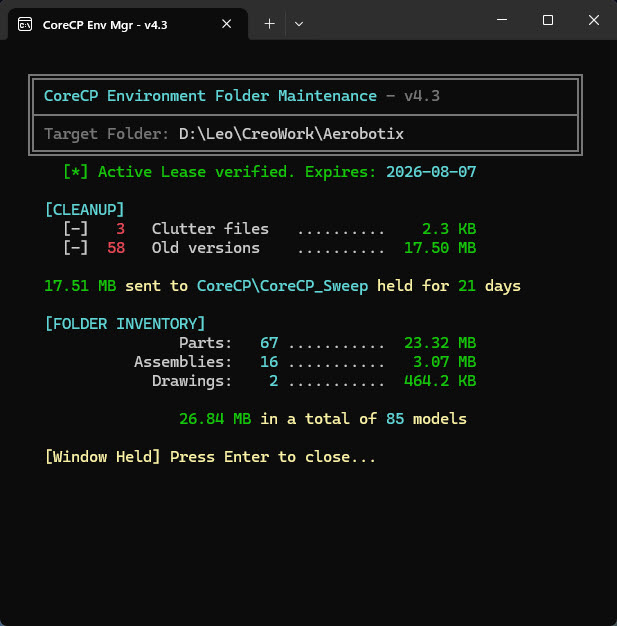
2 · Sweep the folder
Models are grouped by base name. The newest iterations stay. Older versions and the clutter types you listed are moved, not deleted.
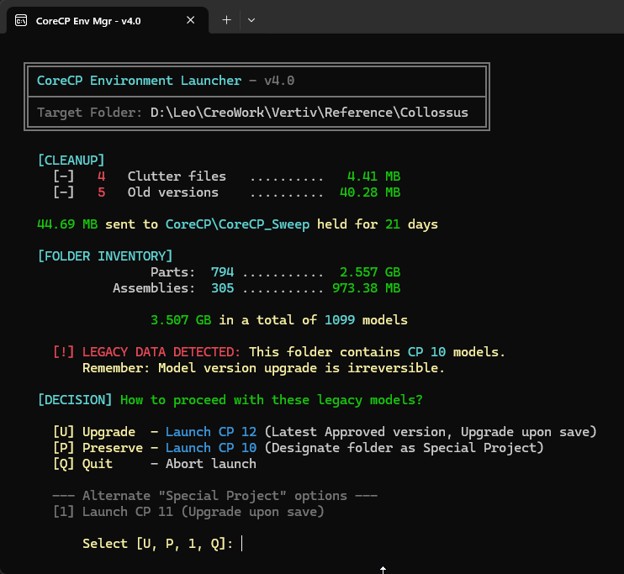
3 · Start Creo
CoreCP identifies every installed Creo Parametric and launches the latest, unless a baseline limit caps that choice. It also checks the folder. When the data is legacy, it offers the valid options for that folder.
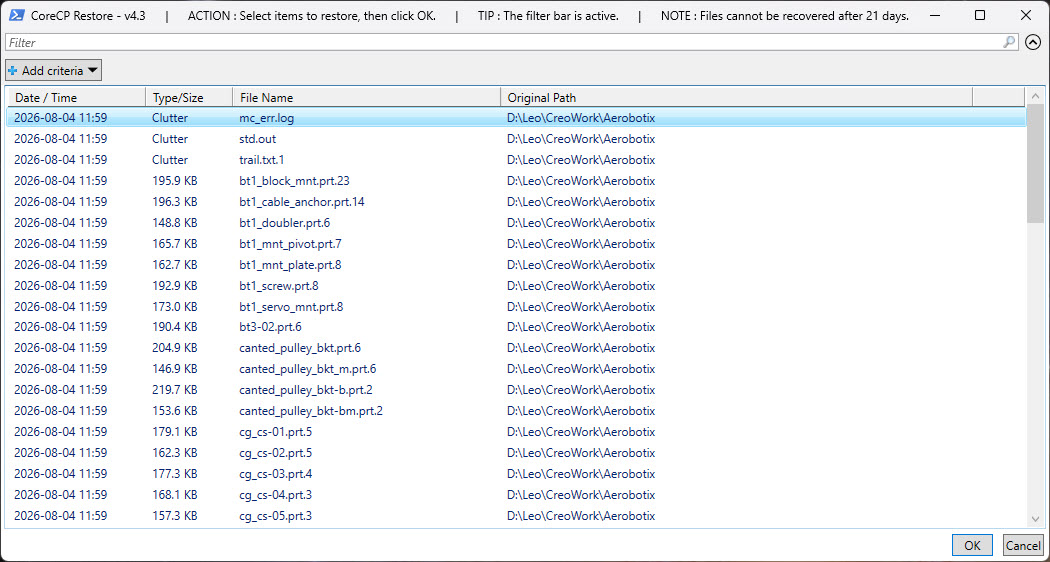
4 · Hold what was swept
Swept files stay for the number of days you set. Restore puts the ones you pick back where they came from.
5 · Age the quarantine
CoreCP checks the age of files already in the bin and removes those that have passed the limit you configured, so the bin does not grow without a bound.
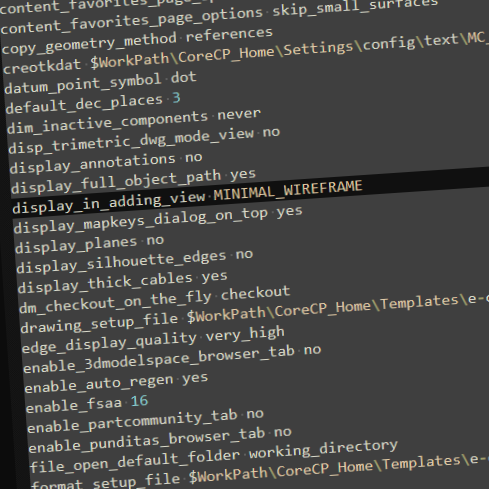 CONFIG.PRO
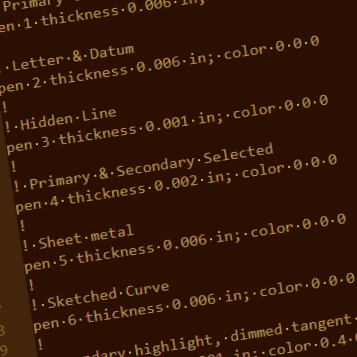 TABLE.PNT
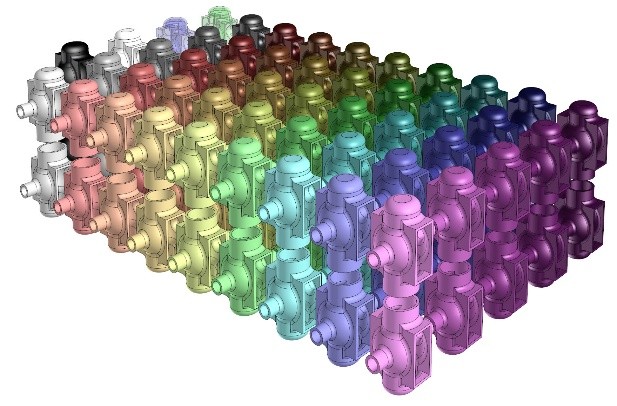 APPEARANCE.DMT
 CUSTOMIZATION.UI
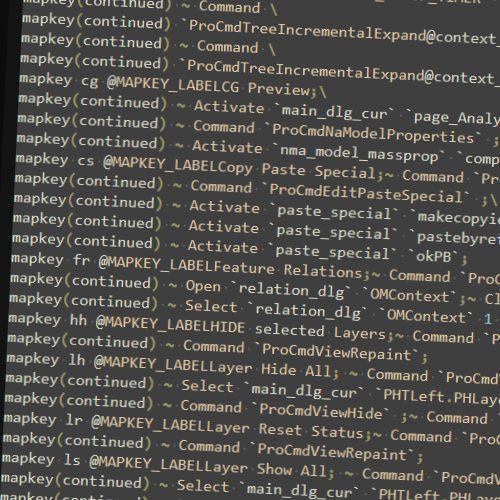 MAPKEY.PRO
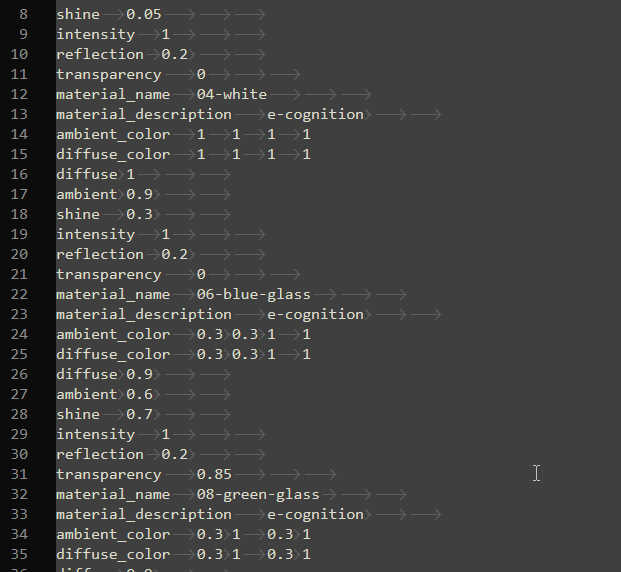 AND ON & ON
Configuring Creo Parametric involves juggling hundreds of variables in dozens of files in multiple folders. CoreCP simplifies this by acting as a centralized manager, taking advantage of Creo's native, three-tiered load sequence to make your environment incredibly easy to manage and reconfigure. The CoreCP Launcher is built around this logic. At launch, it drops your Baseline config.pro into the user's home directory for every CAD session. If a specific job or folder needs unique settings, place a config.pro in that working folder. The everyday setup stays as it is. The editors and each INI option are on the configuration page.