Access CoreCP anywhere
Launch instantly. Right-click any folder, background, or model file.
CoreCP | Creo Companion
One right-click sets the working directory, cleans it, and launches the latest Creo your baseline allows. Sweep and restore are covered on Features.
Launch instantly. Right-click any folder, background, or model file.
Clear. Accurate. Informational. You get the exact feedback you need, then the console closes automatically.
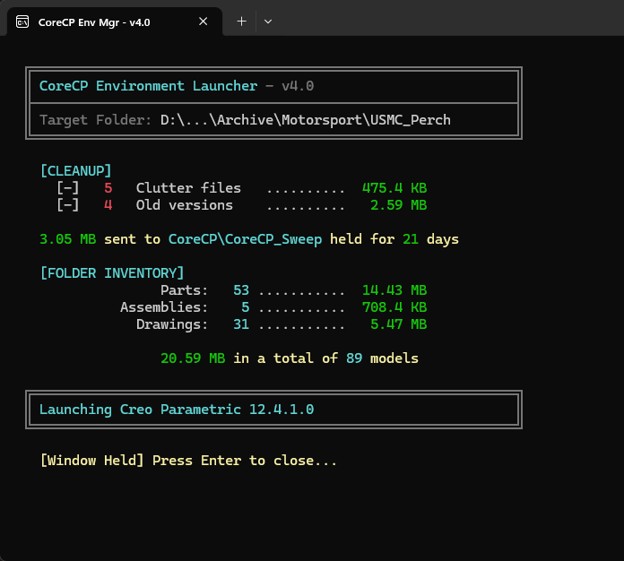
Right-click a folder and choose CoreCP Launcher. That folder becomes the working directory, the sweep runs, and the latest installed Creo starts, unless a baseline limit caps auto-version selection.
CoreCP still checks the data. When the folder contains legacy data, it offers the valid options for that folder. Those choices are covered under data protection.